STEP 01 • ONBOARDING
Set up your workspace.
Complete your Company Profile and Brand Kit, and invite your team to access and create content.


✦ AI CONTENT STUDIO
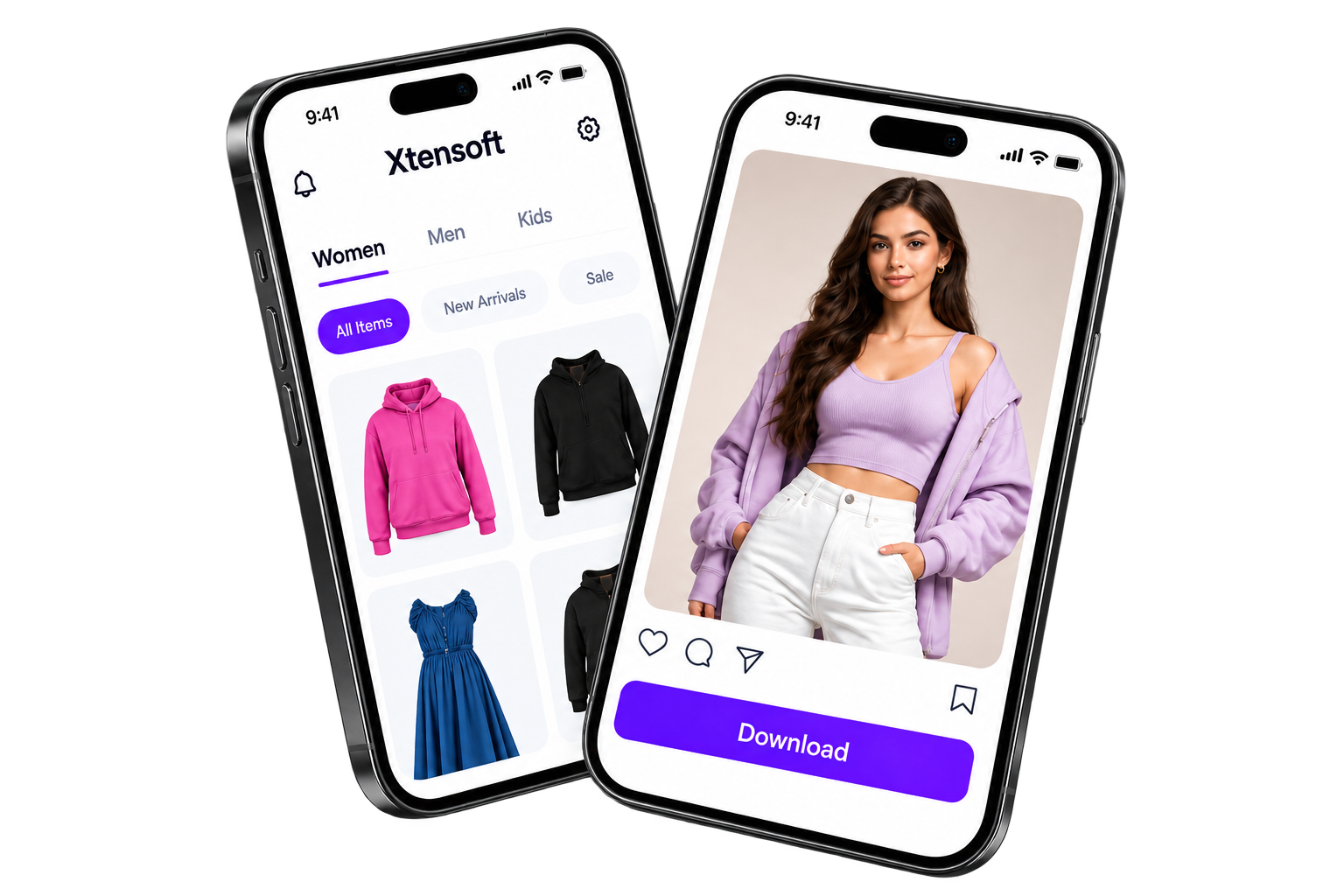
Upload a garment reference, generate polished fashion content, review drafts with your team, and publish approved posts from one connected workspace.
View Pricing
Reference-led creation · Trusted by modern fashion teams
HOW IT WORKS
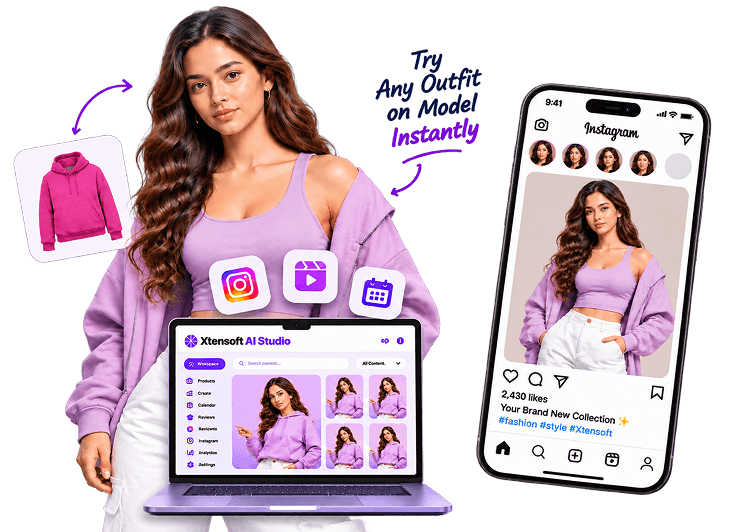
From setting up your workspace to publishing approved posts, manage every step with clarity and control.
Complete your Company Profile and Brand Kit, and invite your team to access and create content.
Upload your product image and add the garment details, styling direction, and format needed.
Choose Product Studio for catalog visuals or product videos, or Marketing Post for social posts, carousels, or reels with caption and hashtags.
Choose the date, time, output type, and product details for the post. You can also use Photo Pool and Plan Month to prepare several posts.
Use the product reference and selected settings to generate the visual and caption, then check the media and copy before creating a new revision.
An authorized reviewer approves or rejects the completed draft. The approved post stays linked to its planned Calendar time.
Connect your eligible Instagram Business or Creator account. When an approved post reaches its planned time, Xtensoft AI Studio publishes it automatically.
GET STARTED TODAY
Start with product references and take the next catalog/content from creation to review.